Copy-Paste Your Way to Efficiency: How Canva Templates Save POD Sellers Hours a Week
Copy-Paste Your Way to Efficiency: How Canva Templates Save POD Sellers Hours a Week

Here at ArtInScienceDesigns, I'm always looking for ways to make our entrepreneurial journey smoother, especially for my fellow Etsy sellers and rental hosts. As we step deeper into March, with the promise of spring just around the corner, many of us are feeling a fresh surge of energy to optimize our businesses. And for Print-on-Demand (POD) sellers, one of the biggest time sinks I see isn't always the design itself, but everything around it.
Think about it: once you've crafted that perfect t-shirt graphic, mug design, or wall art print, your work isn't done. You still need compelling mockups for your listings, eye-catching social media posts to announce new products, banners for your shop, and perhaps even email graphics. Each of these can feel like starting from scratch, demanding precious design time and creative energy that could be better spent on new product development or customer engagement.
This is where Canva templates become your secret weapon. I'm not talking about complex design software that requires hours to master. I'm talking about a simple, powerful way to literally copy-paste your way to incredible efficiency and consistency across all your marketing materials.
Imagine creating a stunning product mockup in mere minutes because you already have a template set up exactly how you like it – just swap out your design. Or whipping up an Instagram carousel for a new collection simply by duplicating a previous post's template and updating the text and images. This consistency isn't just about saving time; it builds a cohesive brand identity that customers recognize and trust.
My own workflow has seen such a boost since I leaned into this. I've got templates for everything: listing photos, social media announcements, Pinterest pins, even quick price update graphics. It means that when I have a new idea, the execution isn't bogged down by repetitive design tasks. I can focus my creative energy on the products themselves, or on other vital aspects of my business, like customer service or exploring new niches, rather than resizing and repositioning elements over and over.
The beauty of a good template system in Canva is its duplicability. You create one fantastic design for a specific purpose – maybe a "new product alert" graphic. Then, for every future new product, you simply open that template, make a copy, and update the specific elements like text, product image, or color scheme if needed. It’s truly a copy-paste shortcut to professional-grade marketing materials without the custom design price tag or the hourly time commitment.
So, as we move through March, and you’re perhaps thinking about spring cleaning your business processes, I highly encourage you to explore the power of Canva templates. They won't just save you hours each week; they'll help you present a polished, professional brand effortlessly, giving you more time to create, connect, and grow. What areas of your business could benefit most from a template makeover?
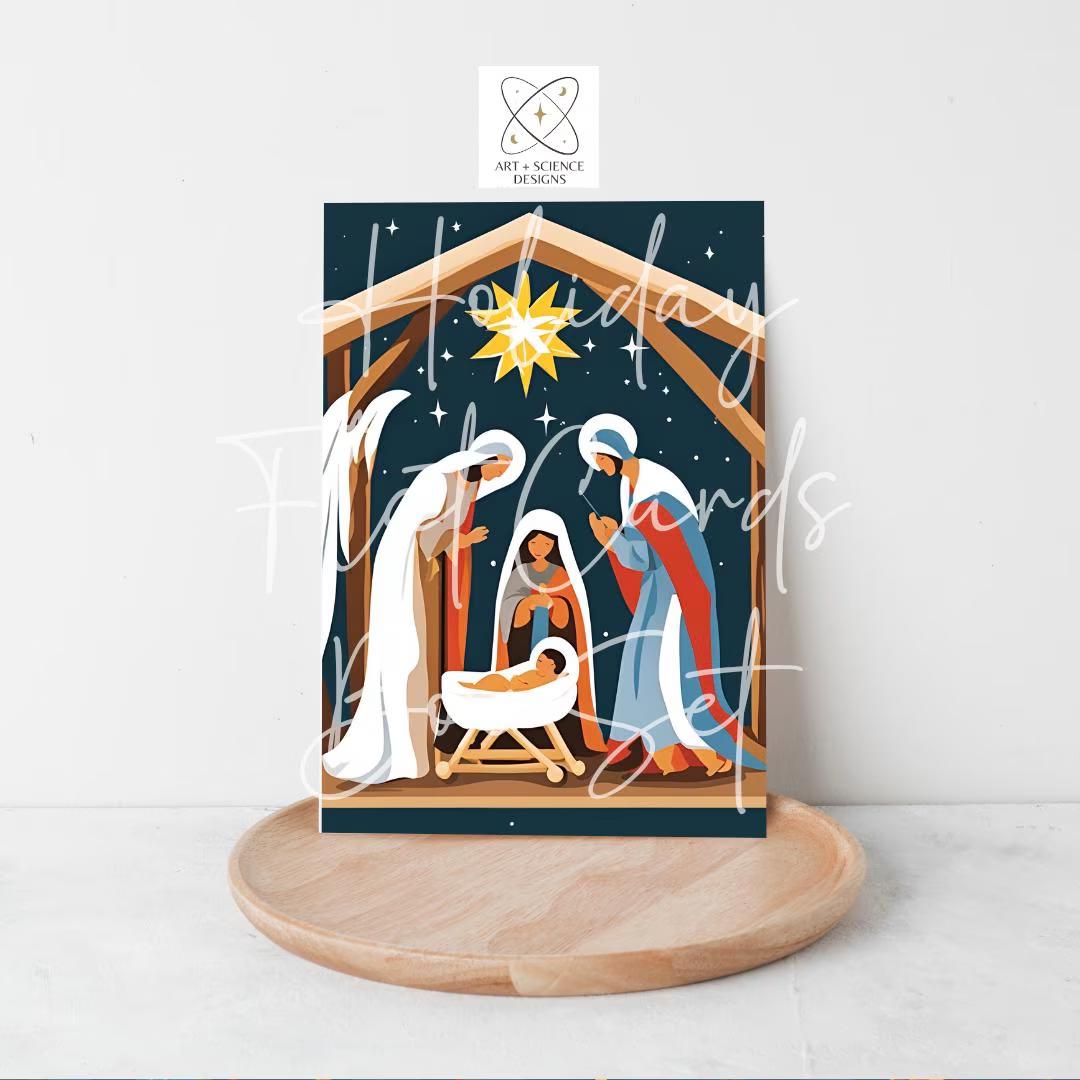
Try this out now with an easy-to-use, instant download mockups from my shop on Etsy - ArtInScienceDesigns.Etsy.com. Or get your first one FREE from my LinkTree website.
#ebooks #shopownertools #simple #lifestyle #freestuff #etsy #instantdownload #7propertiesga #artinsciencedesigns
Comments
Post a Comment