Building a Rental Workflow That Actually Works (From Booking to Checkout)
Your Stress-Free Rental Flow: How I Built a System That Actually Works (From Booking to Checkout!)
Hey fellow hosts! As the crisp autumn air settles in and we start thinking about cozy fall bookings and perhaps even planning ahead for Halloween guests, I wanted to share something that completely changed my hosting game: a truly efficient rental workflow. For a long time, I felt like I was constantly juggling tasks, answering the same questions, and just generally a step behind. Sound familiar?
Well, I decided enough was enough. I sat down, mapped out every single touchpoint, and built a repeatable system that not only saves me countless hours but also creates a far better experience for my guests. And let me tell you, it feels as good as a pumpkin spice latte on a chilly morning!

Step 1: The Foundations & Pre-Booking Prep
Before a guest even clicks "book," a lot of work goes into setting the stage. This is where you lay the groundwork for a smooth process.
Optimize Your Listing
- Crystal-clear descriptions: Set accurate expectations. What's included? What's not?
- Stunning photos: Professional, well-lit photos are non-negotiable. They sell the experience.
- Competitive pricing: Use dynamic pricing tools or regularly adjust rates based on demand, local events, and seasonality (think fall foliage season!).
- House rules & FAQs: Make these prominent. Answer common questions upfront to cut down on repetitive inquiries.
Communication Templates
This is a lifesaver! I have templates ready for almost every scenario:
- Initial inquiry response
- Booking confirmation
- Pre-arrival information (directions, check-in instructions)
- Welcome message (day of arrival)
- Mid-stay check-in
- Checkout reminders
- Post-stay review request
Having these pre-written and ready to customize saves so much time and ensures I never miss important details.
Step 2: Seamless Booking & Onboarding
Once a guest decides to book, this phase is all about making their journey from reservation to arrival effortless.
Booking Confirmation & Immediate Follow-Up
Whether you use Instant Book or Request to Book, make sure your confirmation message is automated and clear. I like to send a quick, personalized message acknowledging their booking and letting them know what to expect next.
The Digital Welcome Packet
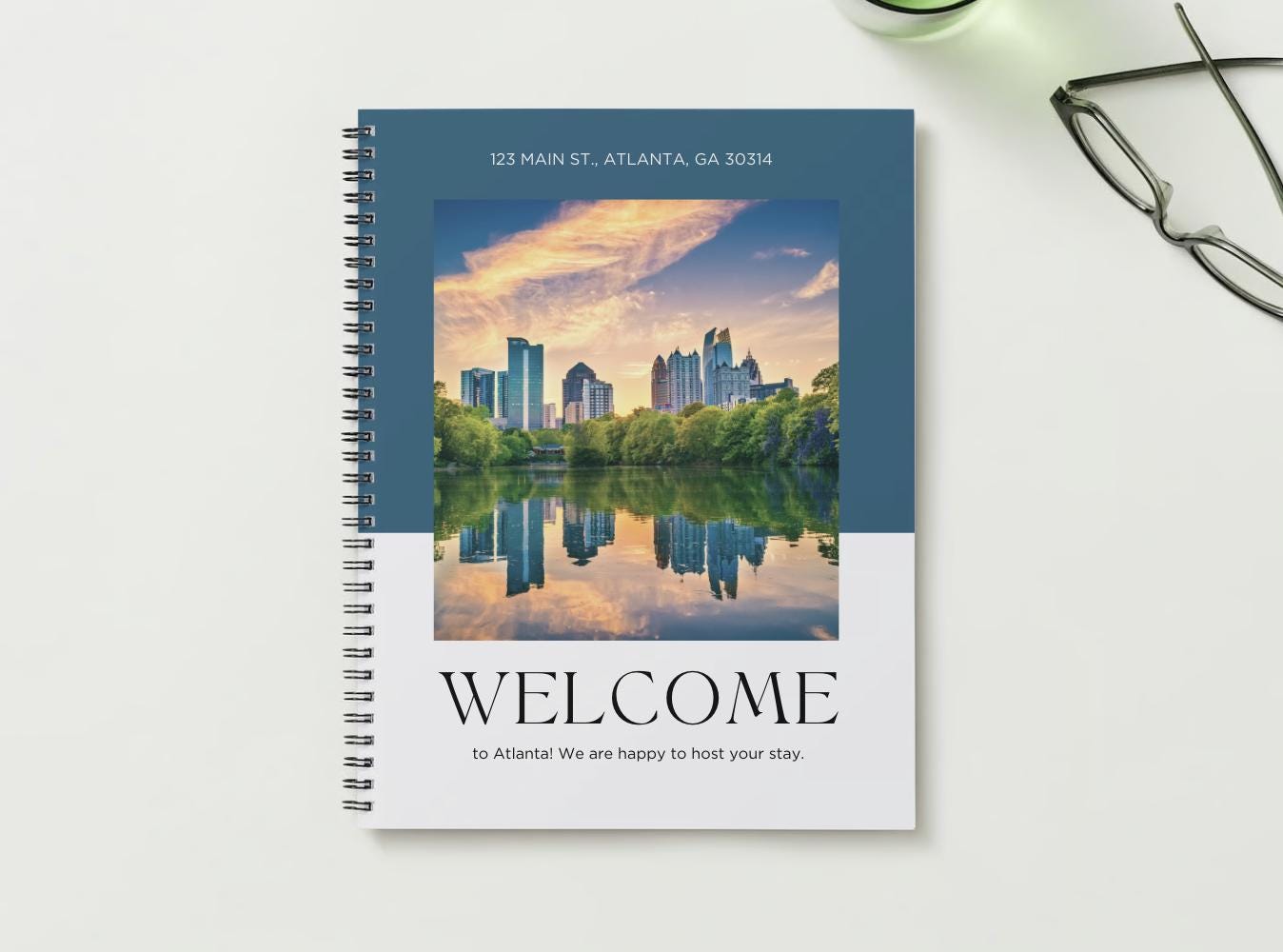
This is where I put all the crucial information guests need before and during their stay, from Wi-Fi codes and local recommendations to appliance instructions and emergency contacts. Delivering this digitally means guests can access it on their phones anytime, anywhere.
Speaking of making things easy, I've found digital guides incredibly helpful. They ensure guests have all the info at their fingertips. If you're looking for a fantastic way to streamline your guest communication and provide a beautiful, organized guide, you might want to check out this resource: my go-to digital welcome guide template. It's really made a difference in how I present information to my guests and keeps everything consistent.
Pre-Arrival Reminders
A few days before arrival, I send a reminder with key check-in details and a friendly note asking if they have any last-minute questions. This prevents last-minute panics and sets a positive tone.
Step 3: During the Stay: Making Guests Feel Valued
The stay itself should be smooth sailing, and your workflow can help ensure that.
Automated Welcome Message
On the day of arrival, a simple "Welcome! I hope your journey was smooth and you're settling in nicely. Let me know if anything comes up!" goes a long way. It shows you're attentive without being intrusive.
Quick, Efficient Communication
Guests will have questions. Be prepared to answer promptly. I have a system for checking messages regularly and prioritizing urgent inquiries.
Mid-Stay Check-in (Optional but Recommended)
For longer stays, a quick message halfway through can be a nice touch. "Just checking in to make sure everything is perfect for your stay! Enjoying your time?" It allows guests to voice any small issues before they become big problems.
Step 4: Graceful Checkout & Beyond
The guest experience doesn't end when they walk out the door. The checkout process is just as important!
Clear Checkout Instructions
Provide these a day or two before departure. Be specific: where to leave keys, trash instructions, when to leave, etc. This helps them leave your place tidy and prevents confusion.
Automated Review Request
As soon as guests check out, schedule an automated message requesting a review. Timing is everything here – while their positive experience is still fresh!
Post-Stay Maintenance & Cleaning
Have a reliable cleaning team and a clear checklist for them. I also have a quick post-checkout inspection routine to catch any potential maintenance issues immediately. This is crucial for keeping your property in top shape for the next guest.
Bringing It All Together: Your Workflow Checklist
To summarize, here's a simplified look at my approach:
- Pre-Booking: Optimize listing, prepare communication templates.
- Booking: Instant confirmation, send digital welcome guide.
- Pre-Arrival: Send check-in reminders.
- Arrival Day: Automated welcome message.
- During Stay: Prompt responses, optional mid-stay check-in.
- Pre-Checkout: Send clear checkout instructions.
- Post-Checkout: Request review, initiate cleaning/maintenance.
Building this workflow took a bit of time upfront, but the return on investment in peace of mind, happier guests, and better reviews has been immeasurable. It allows me to truly enjoy the hosting process, especially during busy times like the upcoming holiday season!
What are your go-to tips for a smooth rental workflow? I'd love to hear your insights in the comments below!
Simple Tools To Help You Win Business
Visit my shop for more host tools at ArtInScienceDesigns.Etsy.com or get your first item FREE from my LinkTree website.
#experiencematters #knowledgesharing #investor #propertymanagement #landlord #7propertiesga #airbnbhost #etsy #shorttermrentals
Comments
Post a Comment